One of the most powerful ideas to unlock as a storyteller who uses animation is to understand the right animation technique to express a big idea and be the very soul of your story. To find this “perfect match,” you must start by considering the format in which the content is viewed. It used to be as simple as film was watched in theaters and commercials on TV, but the evolution of technology brought content to tablets, phones, and watches. Now, you need to choose a technique that suits the format you believe makes the most sense.
Animated Storytelling by Liz Blazer details several animation and motion graphic styles and techniques that are used to tell compelling stories. This list includes:
- Hand Drawn
- Stop Motion (2D and 3D)
- CGI (2D and 3D)
- Fluid Transitions
- 2D/Vector/Kinetic Type
- Handmade
- Collage
- Film & Type
- 3D
All of these styles and techniques have their own unique look and feel that immerses a viewer in a way that creates its own unique emotional connection. Understanding the heart of your project to discern what style conveys the tone you are trying to express will enable you to use animation that enhances your storytelling.
I’d also like to note that the research and Logo Stinger I created below draw inspiration and utilize the 12 Principles of Animation!
Research
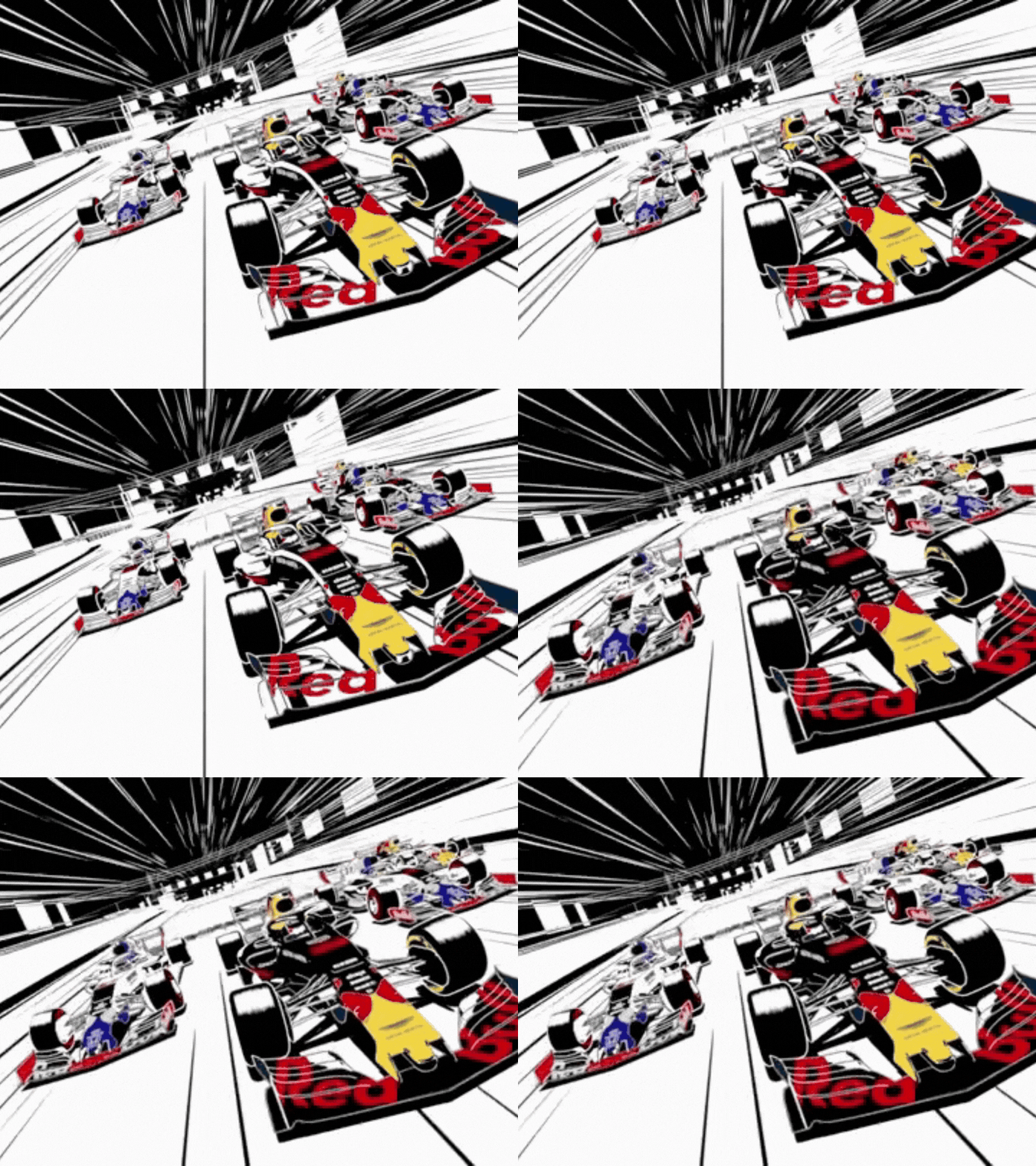
Formula 1 2026 Opening Titles (Staging)
Every year at the beginning of a new season, Formula 1 Racing releases a new title intro sequence to debut the driver line-up in a fun and dynamic way. This title sequence has lots of motion design elements. One specific principle it uses that I want to highlight is Staging. From lighting and camera angles to background and foreground composition, the drivers are directed to make specific poses, stand tall, or sit down, and showcase themselves and their team in a specific way. You see this with drivers like Valtteri Bottas running his fingers through his mustache, grinning, Kimi Antonelli shaking his hands and fingers to do the “Shakra bro” sign, and plenty of other drivers holding their helmets doing different things.
Mulan (Follow Through and Overlapping Action)
This principle is used to create fluid and realistic movement. These two techniques are unique because they entail parts of the character in motion even after the character is done moving and is still. The beginning of this scene from Mulan, when the characters break out into the “Honor to Us All” song, is a great demonstration of follow-through. When Mulan rides into town on a horse, jumps off, and stops, she’s still, but her hair still moves and flows with the wind.
Elsa and Anna’s Magical Moments | Frozen (Appeal)
Creating or curating a thoughtfully designed character that’s consistent and emotionally resonates with viewers is no easy feat. This is done by best-in-class animators who are meticulous with character design, take the time to develop personality nuances, and even go the extra mile by giving characters subtle facial expressions. Elsa from Disney’s movie Frozen is a great example of a character who has all of this.
Sabrina laughing with Haunter | Pokémon anime (Exaggeration):
A majority of the 12 principles of animation are grounded in realism. However, avoiding a principle like exaggeration risks your animation looking too real and dull. This is on full display in this scene from the popular anime Pokémon, when, after the gym leader Sabrina loses, her Haunter is seen laughing and making exaggerated facial expressions with its mouth wide open.
Animation Assignment – Squash and Stretch (Squash & Stretch):
This short animation showcases the ability to change objects as they move to convey a variety of weights and flexibility. You see the rubber band being stretched and shot off the character’s fingers to move fast, and then it gets squashed on impact and turns into a tie for a box, and eventually becomes the rubber band for a slingshot.
Create
Logo Stinger: Lights Out and Away We Go
Creating a Logo Stinger was equally challenging and fun. I didn’t have a professionally finalized personal logo, so I started by creating one that would be good enough to use as a Logo Stinger. My wordmark logo consists of three elements: KA letterform, starting race lights, and my full name spelled out. The goal was to create something that’s modern, smooth, and F1-inspired.
The idea behind the Logo Stinger is a simple concept. Lights out → Go → KA reveal. I prepared my assets by separating the layers in Illustrator that I knew I wanted to animate, including each set of two circles that represent stoplights, the traffic light structure, and the KA wordmark. To animate each stop light, I used keyframing to change the opacity of the lights to create a hard cut that matches the race start of Formula 1.
For the KA wordmark, I revealed it right when the lights turned off by using the Animate Scale function in After Effects. I also added easy ease to these keyframes to make the animation feel snappy and intentional to match the “start your engine” energy of F1.
I decided to challenge myself and add an optional camera shake to the wordmark by creating a null object with a wiggle effect that’s linked to the wordmark through the Parent & Link feature.
I experienced difficulty figuring out had to get the null object and wiggle to only happen for a set period of time compared to the entire animation. After lots of experimentation, I decided to make multiple layers of the wordmark for different sections of the Logo Stinger to solve the issue.
Lastly, I decided to add my full name spelled out and gave it a micro letter tracking ease animation. I thought the subtle, calm reveal would complement the boldness of my wordmark. To tie everything together, I added the Formula 1 race start noise to the lights animation and a radio sound to my wordmark reveal. The radio is meant to be ironic and slightly dramatic compared to a race start.
I’m looking forward to iterating on this in the future so it’s more polished and portfolio-worthy.
Works Cited
Blazer, Liz. Animated Storytelling: Simple Steps for Creating Animation & Motion Graphics. Peachpit Press, 2020.
 Kyle Adams POV
Leave a comment